
Overview
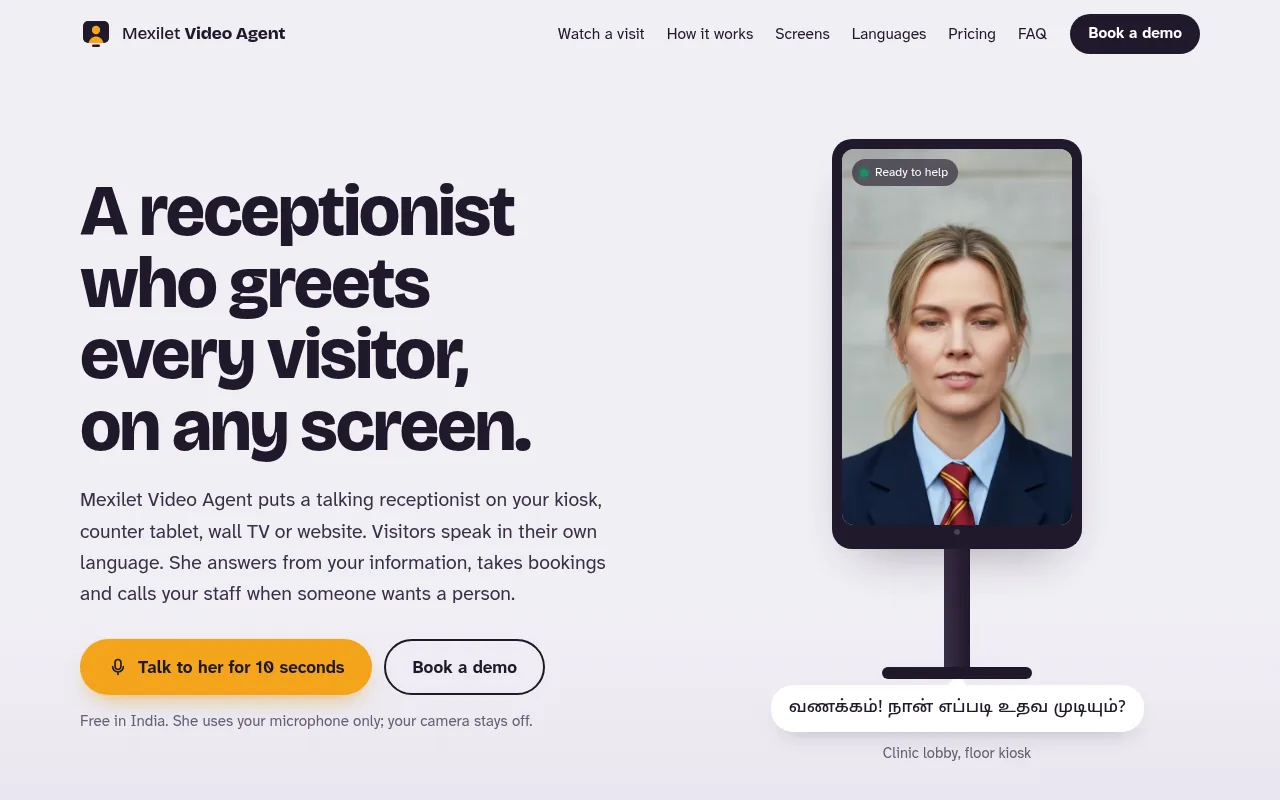
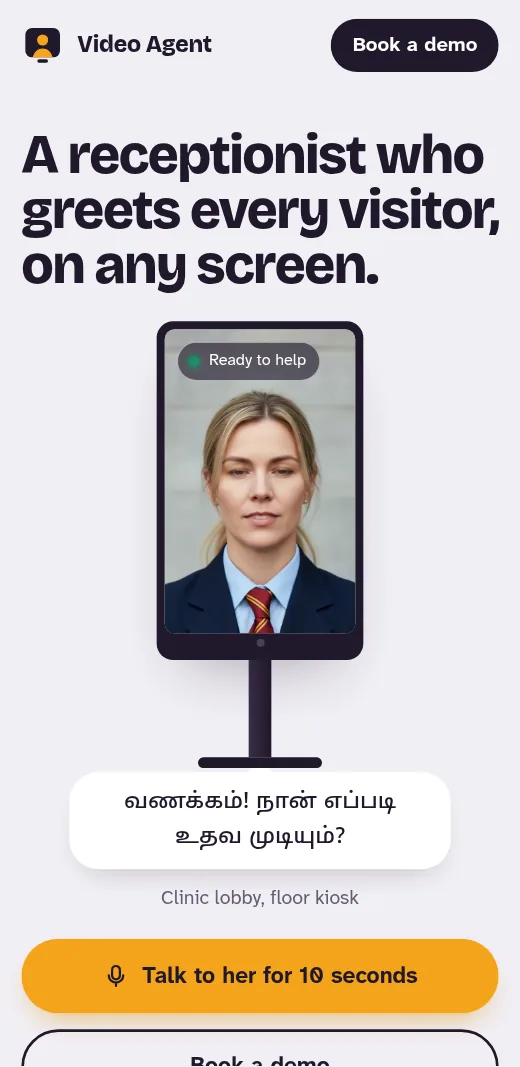
Video Agent puts a talking AI receptionist on your floor kiosk, counter tablet, wall TV or website, and on a visitor’s own phone through a QR code. Visitors speak to her in their own language. She answers from the information you give us, takes appointment and visit requests for your team to confirm, checks visitors in and calls the staff member on duty when someone wants a person. Our team sets her up with you.
On Any Screen
A floor kiosk in the lobby, a tablet on the counter, a TV on the wall, your website, or the visitor’s own phone through a QR code.
Speaks Your Visitors’ Language
English, Hindi, Malayalam, Tamil, Telugu and more Indian languages. If a visitor switches language halfway, she switches with them.
Takes Bookings
Appointment and visit requests, saved with the visitor’s name and mobile for your team to confirm.
Checks Visitors In
Who they are and whom they are here to see, so the person they came for knows they have arrived.
Calls Your Staff
When a visitor wants a person, she rings the staff member on duty instead of leaving them waiting.
Shows Cards, Hands Over by QR
Cards for doctors, projects, products or offers appear beside her, and a QR code lets the visitor carry on from their own phone.
What this provesLive AI video — a talking receptionist with multilingual speech, an on-device check that notices when someone walks up, and a QR handover to the visitor’s phone.
How a Visit Goes
Someone Walks Up
The screen notices a person standing in front of it and she looks up. Until then it plays a quiet loop, and a quiet loop costs nothing.
She Greets Them in Their Language
Malayalam, Tamil, Hindi, English and more. If the visitor starts in English and moves to their own language, she moves with them.
She Answers, Shows and Books
Answers come from the information you give us: services, timings, prices, projects, directions. She puts cards on the screen and takes appointment or visit requests for your team to confirm.
She Hands Over When It Matters
When a visitor wants a person, she calls the staff member on duty. Or she shows a QR code so the visitor can carry on the conversation on their own phone.
Use Your Own Screen, Buy One, or Rent One
Bring Your Own
A recent Android tablet or a TV with a browser works. We check it and set her up on it.
Buy From Us
A ready kiosk or counter tablet with screen, speaker and microphone, installed at your desk.
Rent From Us
A monthly rent with upkeep included. Good for a new site office, an expo stall or an event.
Pay for the Time She Talks
A monthly plan for each screen or website, plus talk time from a prepaid wallet you top up. You pay for the minutes she is in a conversation, not for the hours she waits for the next visitor. Our team sets her up with you and keeps improving her answers. For a quote for your desk, book a demo on videoagent.mexilet.com or write to info@mexilet.com.
Talk to Her for 10 Seconds
The Video Agent website has a free 10-second live demo for visitors in India. She uses your microphone only; your camera stays off. Try the 10-second demo.
Your Visitors’ Privacy Comes First
On a kiosk, the camera only checks whether someone is standing in front of the screen, and that check happens on the device itself. No photo is saved or sent. Transcripts and the details visitors share go to your dashboard only, so your team can follow up. A short notice on the screen tells visitors they are talking to an AI, and she says so if asked.
Made for Busy Front Desks
Need your phone calls answered too? See its sister product, Sales AI Voice Agent.
Questions Businesses Ask
What does she need to run?
A screen with a speaker and microphone, and a steady internet connection on Wi-Fi or 4G/5G. On a kiosk, a small camera lets her notice when someone walks up.
Can I use the tablet or TV I already have?
Yes, if it is a recent Android tablet or a TV that can run a browser. We check it with you first. If it is not suitable, you can buy or rent one from us.
Which languages does she speak?
English, Hindi, Malayalam, Tamil, Telugu and more Indian languages. She replies in whatever language the visitor speaks.
What if she does not know the answer?
She says so plainly. Then she offers to call a staff member or to take the visitor’s name and mobile so your team can call back.
Is the camera recording my visitors?
No. On a kiosk the camera only checks whether someone is standing in front of the screen, on the device itself. No photo or video of the visitor is saved or sent.
Who sets her up?
Our team does it with you. We gather your information, set up her answers, test her with your staff and install the screen. You can ask for changes any time.